Flight Logs
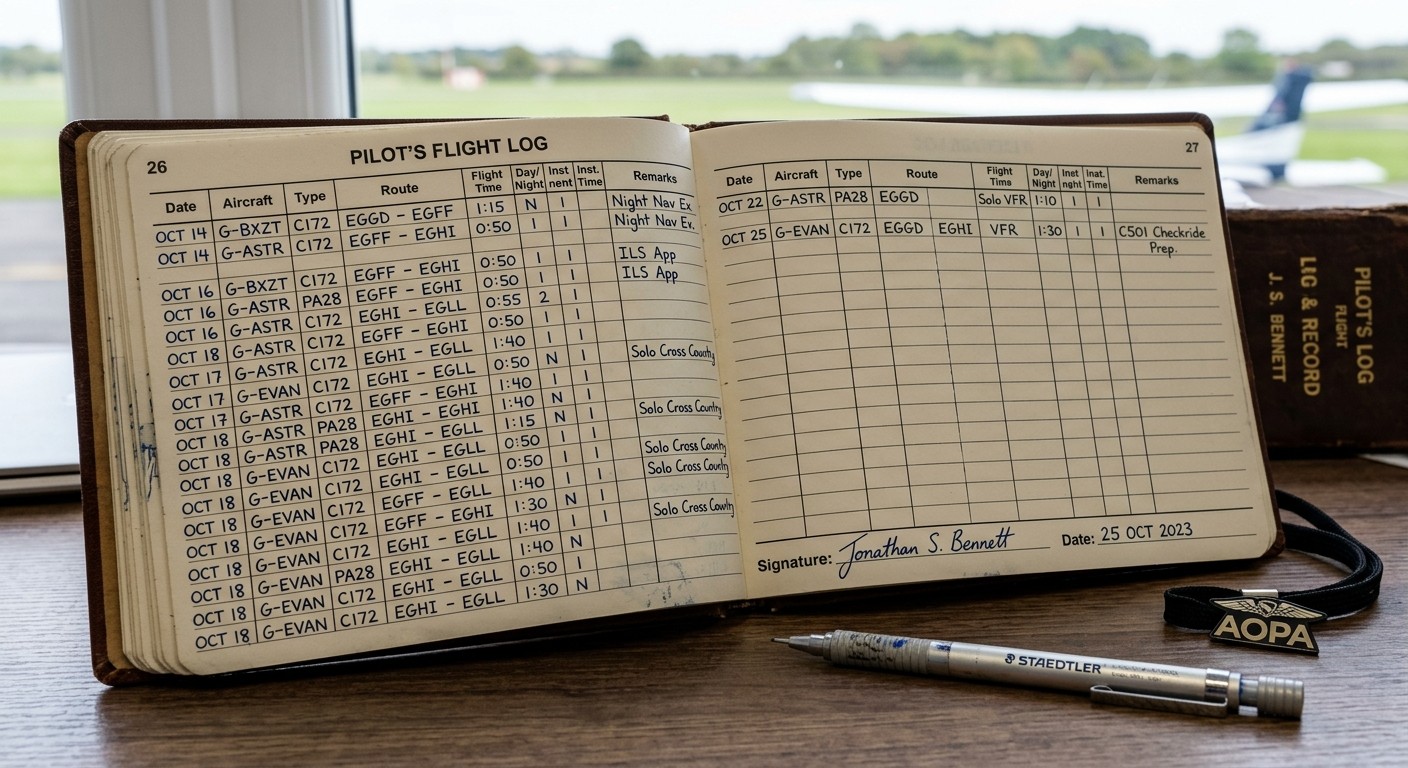
Keep personal logbooks and aircraft journey logs distinct, with linked engine entries that help you check the hours.
Explore flight-log importsPick one task that makes your next flight, renewal or review easier. You can add the rest of your history as you go.
Choose your workspaceIf you already have an account with us: Sign-in
Pilot V3 for personal logging. Syndicate for ownership and sharing. Club for fleet operations. Flight School for structured training.
Compare the plansFor an aircraft, gather the registration, class, governing authority and hours at a known date. For a pilot, start with your profile and the aircraft you fly.
Add a current insurance certificate, recent maintenance evidence or your latest flight. Note where the signed original is kept, or who holds it.
On a register plan, invite a co-owner, member or viewer with access that suits their role. Your shared record can grow from there. You remain in control of who sees what.
Keep personal logbooks and aircraft journey logs distinct, with linked engine entries that help you check the hours.
Explore flight-log importsFollow components, inspections, fitted parts and releases, with history retained when a component is replaced.
Know the history behind the hours.Bring certificates, insurance and evidence together. See missing copies and review dates, then share with people you approve.
The right record, when it matters.Spreadsheet Records: Import pilot logbook rows from CSV and engine history from a spreadsheet. Check totals and alignment after import.
Paper Records: Attach scans and PDFs to the relevant record. Keep the originals and record their location.
Before a Larger Move: Start with a small sample, review the imported fields and retain a copy of your source files.
Choose a plan, add one useful record, and build your dossier over time.
Find Your Plan