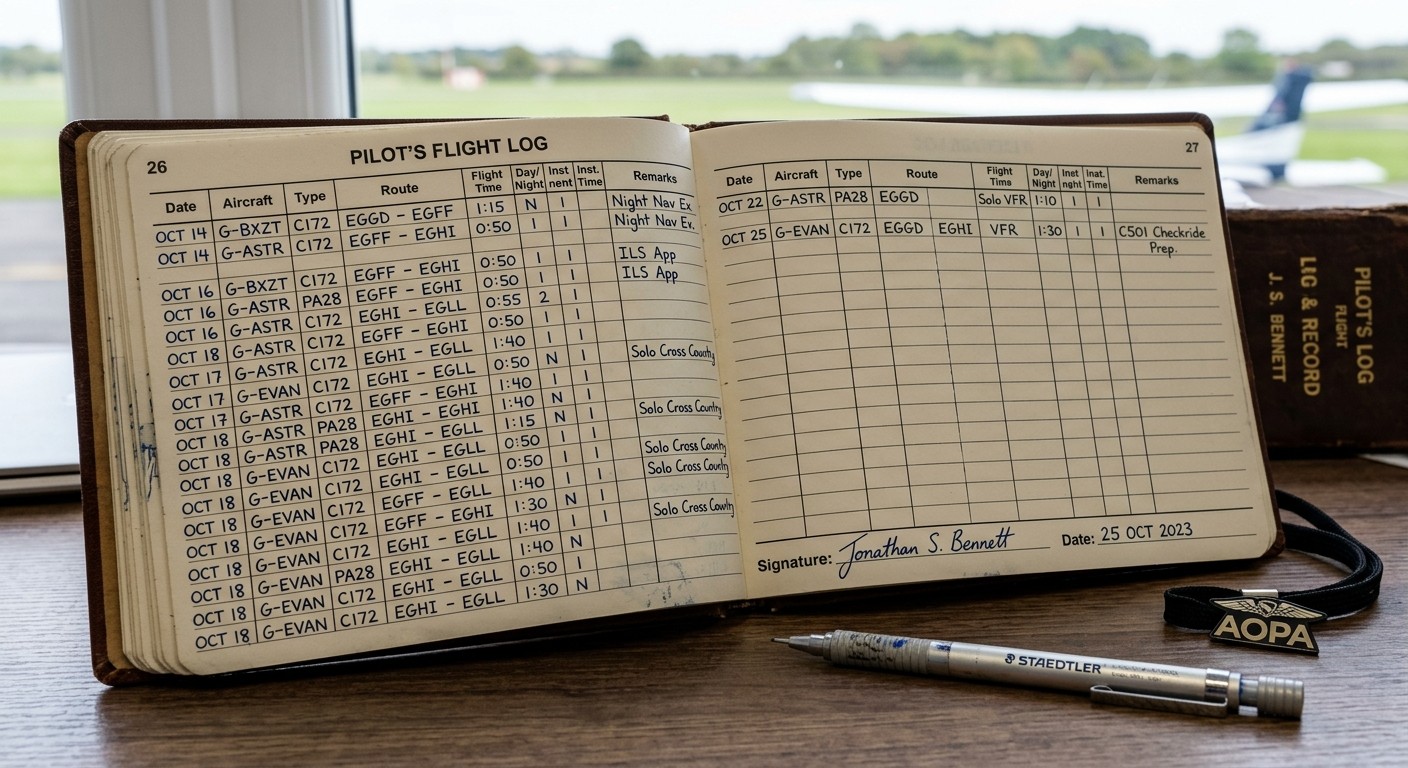
Your flying, in the detail it deserves.
Capture route, GMT times, holder capacity, day and night hours, instrument time, take-offs and landings. Personal lines can be edited by the named pilot or an authorised editor; other members have a read-only view.
- Personal currency panels and capacity-hour summaries. Ideal for hour tallies at insurance renewal,
- Rolling 90-day P1 landing activity tally.
- Include photos and GPX flight data in your personal flight log.
An aircraft record that stays connected.
The journey log keeps a line per flight, including route, times, landings and engine-hour readings. Linked engine log entries can be created or updated automatically.
- Check matched, mismatched and unlinked lines.
- Cross-check engine hours against the maintenance record.
- Retain readable history for de-registered aircraft.
Keep your records portable.
Import spreadsheet rows, export lines to Excel, and print a pilot logbook PDF with selectable columns.
- Pilot V3 covers your personal logbook.
- Register plans add the aircraft journey and maintenance record.
- Currency information supports review; it is not a licence or passenger-carrying decision.